“There was an error opening this document.” Eleven words that mean a file you needed five minutes ago has gone bad. Before reinstalling anything or panicking, work through this list in order — most corrupted PDFs are recoverable, and the fix is usually one of the first three steps.
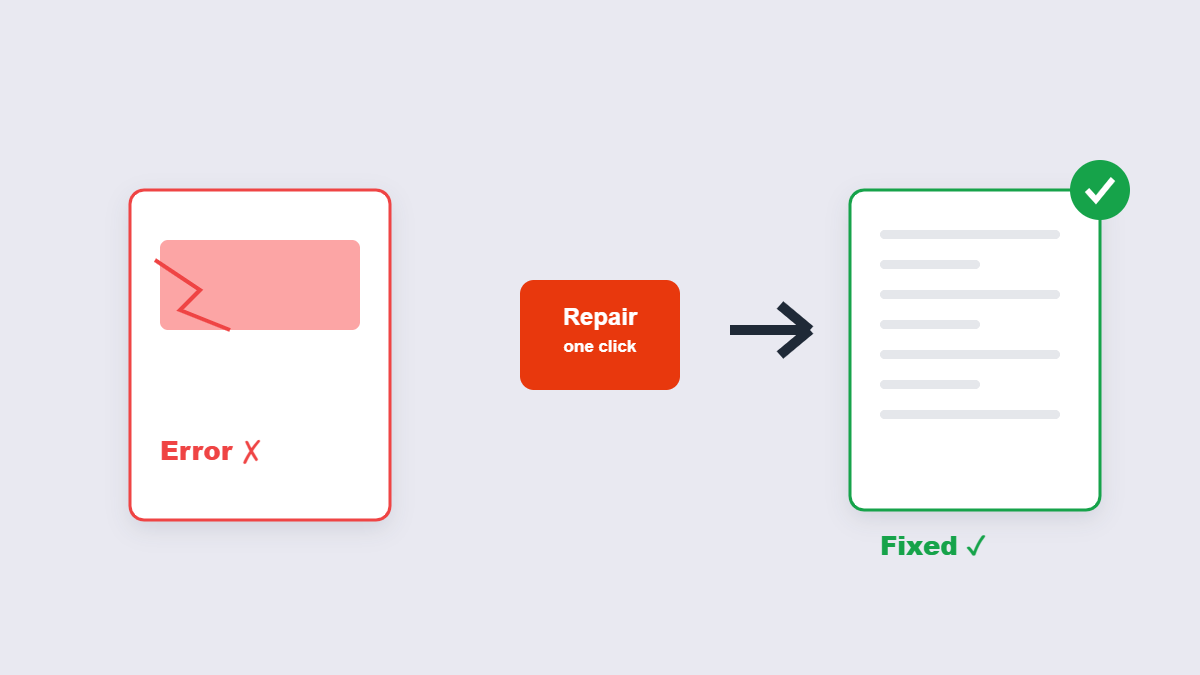
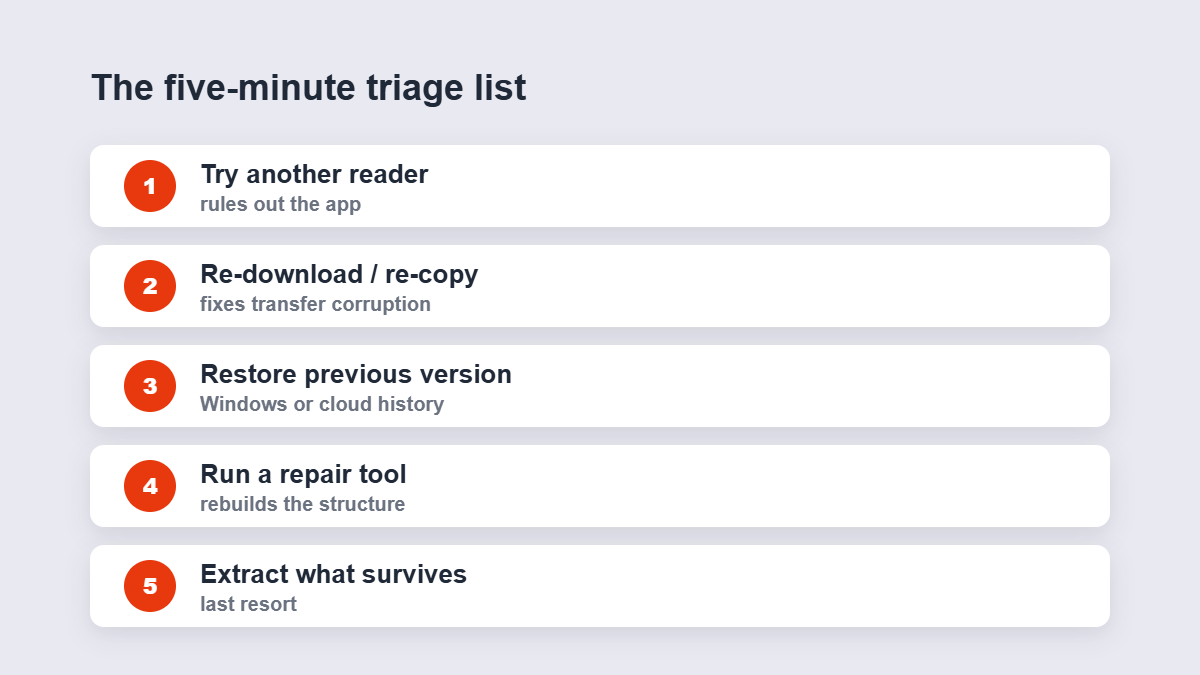
Table of Contents
- The five-minute triage list
- Why PDFs get corrupted
- Running a real repair
- What repair can and can’t recover
- How to avoid it next time
- FAQ
The Five-Minute Triage List
- Try a different reader. If Chrome opens it and Acrobat doesn’t, the file is fine — your reader is the problem.
- Re-download or re-copy the file. The most common corruption happens during transfer: an interrupted download, a USB pulled early, an email attachment mangled in transit. A fresh copy often just works.
- Restore a previous version. On Windows: right-click the file → Properties → Previous Versions. On cloud storage: check version history.
- Run a repair tool. The Repair PDF tool rebuilds the file’s internal structure locally in your browser.
- Extract what you can. If repair fails, the text extractor or page renderer can sometimes salvage content from a file that won’t open normally.
Why PDFs Get Corrupted
A PDF is a structured file with an index telling readers where everything is. Corruption usually damages that structure:
| Cause | What breaks | Typical scenario |
|---|---|---|
| Interrupted transfer | File arrives incomplete — the index is cut off | Flaky Wi-Fi downloads, early USB removal |
| Crash during save | Half-old, half-new data mixed | Power loss or app freeze while writing |
| Bad email handling | Attachment re-encoded or truncated | Overzealous mail servers, wrong encoding |
| Storage errors | Sectors damaged under the file | Failing drives, memory cards near end of life |
Notice the pattern: most corruption is a transfer problem, which is why re-downloading fixes so many cases.
Running a Real Repair
When the simple steps fail, a repair tool scans the file’s internal structure and rebuilds what’s readable: reconstructing the index, salvaging intact page objects, and assembling a fresh, valid PDF containing whatever survived. It takes seconds, it’s free, and because the 11zon tool runs in your browser, even your broken file stays on your device.
What Repair Can and Can’t Recover
Set expectations honestly. Light corruption — a truncated download, a damaged index — usually recovers completely. Heavy damage recovers partially: some pages come back, some don’t. Catastrophic damage (a file that’s mostly storage garbage) may return nothing. And no repair tool can recover what was never written to disk — if the power died mid-save, the missing half never existed.
Error Messages, Decoded
The exact error points at the cause. “There was an error opening this document. The file is damaged and could not be repaired” is structural damage beyond a reader’s self-healing — that’s a repair-tool job. “The file is damaged but is being repaired” means your reader is attempting recovery itself; let it finish, then save a fresh copy. “Cannot open because the file format doesn’t match” usually means the file isn’t actually a PDF — a renamed download or a truncated transfer. And a file that opens fine but prints garbage is a font problem, not corruption at all.
How to Tell Corruption From Something Else
“The PDF won’t open” covers several different failures, and the fix depends on which one you have. A file that opens but shows blank pages is usually a fonts or rendering issue, not corruption. A file that opens in one reader and not another is a compatibility quirk. A file that no reader can open — or that opens with pages missing and errors sprinkled through — is genuine structural damage. Only that last one needs repair; the first two need a settings change or a different viewer.
How to Avoid It Next Time
- Wait for downloads to finish. The progress bar is not decorative.
- Eject USB drives properly. “Safe to remove” exists because of this exact problem.
- Keep originals. Never edit the only copy of anything.
- Use cloud storage with version history for important documents — the undo button for file disasters.
After a Successful Repair
Check the recovered file properly before trusting it: page count first (does it match what you remember?), then a flip-through of the pages that matter most. If the repaired document is headed onward, it’s also the right moment for a compression pass — repaired files often carry leftover structural debris. And archive the repaired copy with a clear name; the broken original should be kept separately until you’re certain, then deleted so nobody opens the wrong one later.
FAQ
How do I fix a corrupted PDF for free?
Work the triage list: different reader, fresh download, previous version — then a browser-based repair tool. The 11zon repair runs locally and costs nothing.
Why did my PDF get corrupted?
Usually an interrupted download or transfer cut the file’s index short. Crashes during save and failing storage cause the rest.
Will all my content come back after repair?
Light damage usually recovers fully; heavy damage recovers partially. The repair shows you what survived — check before relying on it.
Can a password-protected PDF be repaired?
Unlock it first with the password you know, then repair the unprotected copy.
Is my corrupted file processed in your browser?
Not with browser-based repair — the rebuild happens on your device, so even the broken file stays local.
Should I just re-type the document instead?
Try repair first — it takes seconds. Re-typing is the last resort after repair and re-download both fail.
