An unnumbered 40-page PDF is a collaboration disaster: “look at page 23” means nothing when your colleague’s copy shows different pages. Page numbers fix this in under a minute — and doing it properly takes one extra decision about format and position.
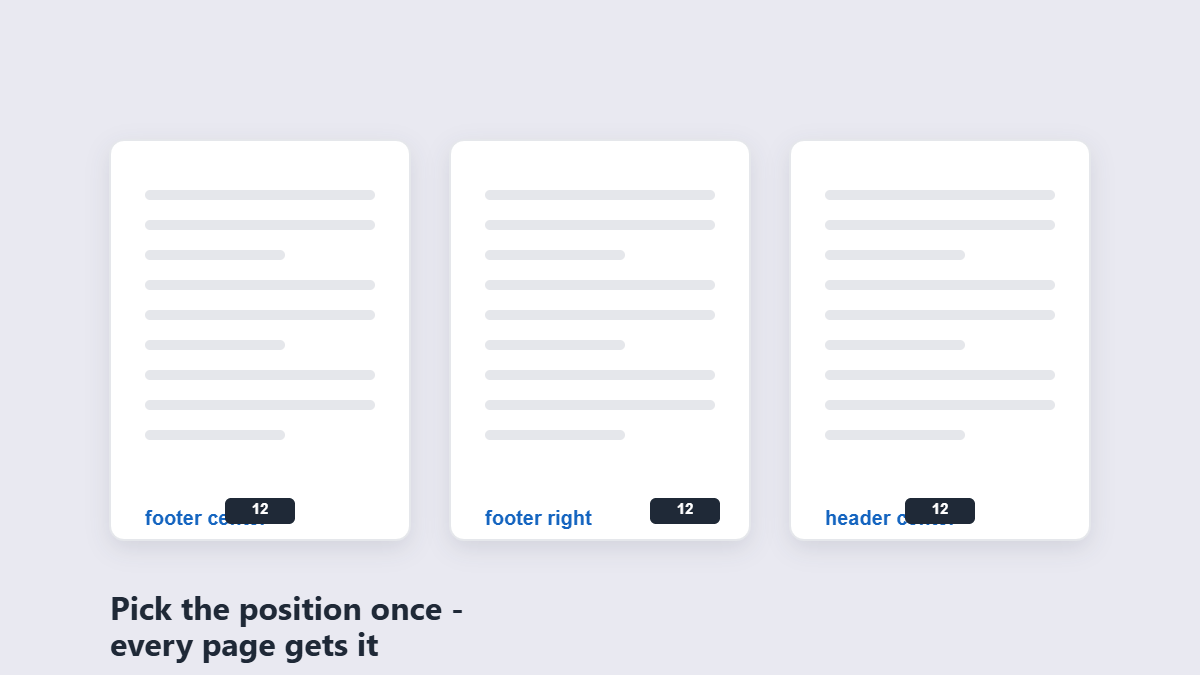
Table of Contents
- How to add page numbers step by step
- Which number format to use
- Where to put them
- Should the cover page get a number?
- Printed vs digital documents
- FAQ
How to Add Page Numbers Step by Step
- Add the PDF to the page numbering tool.
- Choose the position — header or footer, left, center or right.
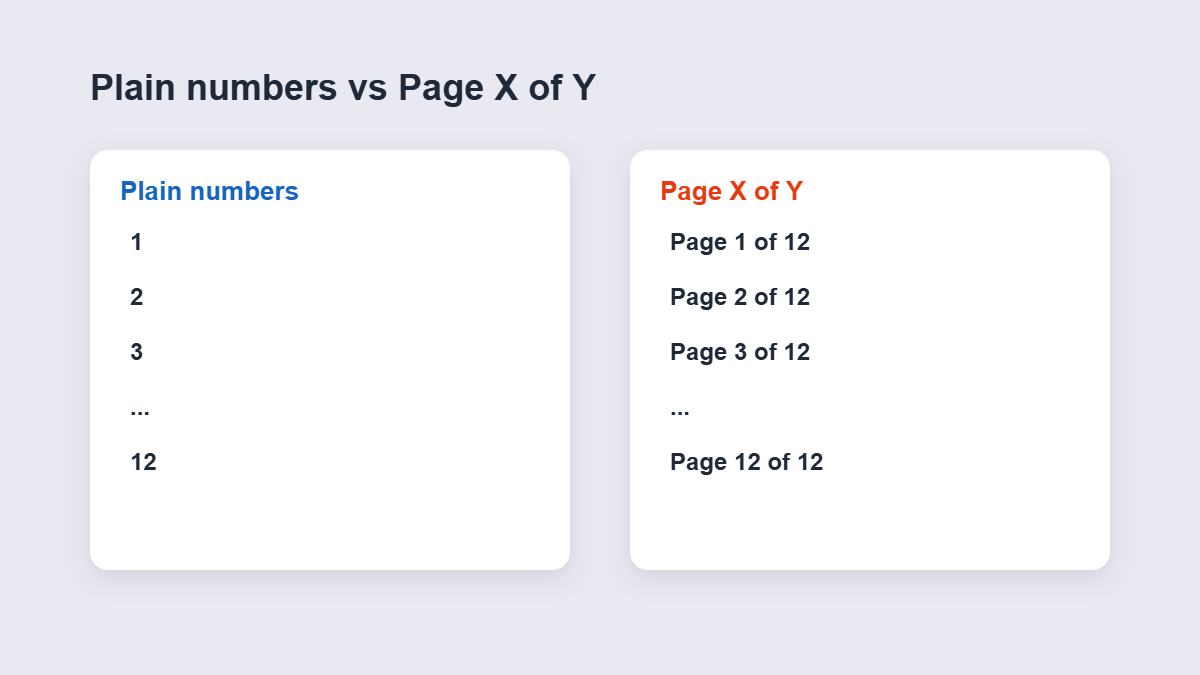
- Pick the format — plain numbers or “Page X of Y”.
- Apply and download. All pages are numbered in one pass.
Numbers are stamped onto the pages permanently — the saved file shows them in every viewer and on paper.
Which Number Format to Use
| Format | Looks like | Best for |
|---|---|---|
| Plain numbers | 1, 2, 3 | Everyday documents, decks, handouts |
| Page X of Y | Page 3 of 259 | Contracts, tenders, anything reviewed or printed in parts |
| Prefixed | Page 3 / Section A-3 | Formal reports with structured numbering rules |
“Page X of Y” is the professional default because it proves the document is complete — a reader holding pages 8–12 of a contract knows exactly what’s missing.
Where to Put Them
Footer center or footer right covers 90% of cases. Headers work for reports where footers already carry other content (confidentiality notices, dates). Two practical rules:
- Keep numbers inside the print-safe margin — roughly half an inch from the edge — or printers will clip them.
- Match the document’s typeface size, around 9–11 pt. Numbers shouting in bold 16 pt look amateurish.
Avoid the bottom-left corner if the document is bound — binding eats that corner first.
Your Tool Options Compared
You have three realistic routes, and the right one depends on what’s already installed:
| Route | Cost | Good for | Watch out for |
|---|---|---|---|
| Online numbering tool | Free | One-off files, any device, nothing to install | Check the privacy model for sensitive files |
| Microsoft Word’s Insert → Page Number (then export) | Needs Word | Documents you’re authoring from scratch | Only works if you still have the source file |
| Desktop PDF software | Paid, usually | High-volume, repeat daily work | Overkill for a file you number once a month |
For a received PDF with no source file, the online tool is the only sensible route — Word can’t open it and desktop suites cost more than the task justifies.
Number After Merging, Not Before
The most common numbering mistake is a sequencing one. If you’re assembling a document from parts — say a proposal written in Word plus two scanned annexes — number the final merged file, not the pieces. Numbering the pieces first gives you three documents each starting at “1”, and after merging you’ve got 1, 1, 1, 2, 2, 3 chaos. Merge everything into its final order first, then stamp numbers once. It takes the same thirty seconds and the result is actually correct.
Should the Cover Page Get a Number?
Formal convention: covers and front matter go unnumbered or use roman numerals (i, ii), with page 1 starting at the first content page. For everyday business documents, numbering every page including the cover is simpler and perfectly acceptable. The only wrong answer is inconsistency — numbers appearing from page 3 onward with no logic will confuse more than they help.
If your PDF already has printed numbers baked into the pages and they’re wrong, adding a second set makes a mess. Delete or rebuild the problem pages first, or use merge to assemble a clean final version before numbering.
What If the PDF Already Has Wrong Numbers?
Stamped numbers are part of the page — new numbers go on top of the old ones, and “Page 3 of 259” sitting next to a baked-in “7” is worse than no numbers at all. Two clean options: rebuild the document from source files if you have them, or keep the baked-in numbers and don’t add a second set — instead use a metadata title and bookmarks-style naming so people can navigate. The unglamorous truth: numbering over numbering never looks professional.
Printed vs Digital Documents
Digital-only files get numbers mainly for reference (“see page 14”) — position barely matters. Printed documents are where placement earns its keep: numbers too close to the edge disappear into the binding or the printer’s unprintable zone. If the document will definitely be printed, footer center at a conservative margin is the safest choice — it survives duplex printing, stapling and binding alike.
Scanned Documents Need Numbers Most
Digital PDFs have sidebar thumbnails for navigation; printed scans have nothing. That stack of signed forms on a client’s desk lives or dies by its page numbers — especially when someone needs to confirm “all 14 pages are here.” Scans are also the documents most likely to arrive unnumbered, because scanners happily emit one giant file with no structure. Numbering a scan before it leaves your desk is a ten-second courtesy that the reader will notice precisely because so few people do it.
Three Numbering Mistakes That Look Small
First: numbering before the document is final. Every later deletion or insertion makes the numbers lie. Number last.
Second: styling numbers louder than the content. Neon colors and 18-point bold numbers turn a professional document into a flyer.
Third: forgetting the recipient prints on both sides. Bottom-center numbers survive duplex printing; bottom-outer numbers end up on the bound edge of every second sheet.
FAQ
How do I add page numbers to a PDF for free?
Add the PDF to an online numbering tool, choose position and format, and apply. The numbered file downloads instantly — free, no account, no watermark.
Can I use the “Page 1 of 259” format?
Yes — along with plain numbering, the Page X of Y style is available and is the standard choice for formal documents.
Will the numbers appear on every page?
Yes, all pages are numbered in a single pass in the style and position you set.
Can I number a scanned PDF?
Yes — numbers are stamped on top of whatever’s on the page, so scans work the same as digital documents.
Where should page numbers go?
Footer center or footer right for most documents; headers when the footer is already used. Keep them half an inch inside the edge for printing.
Is my PDF processed in your browser?
No. Browser-based numbering runs entirely on your device — the file never leaves it.
